What you can check
Check whether planned sendable commands appear in the log and whether their order differs. Skip-marked rows are excluded.
NETWORK OPERATIONS / PRACTICAL GUIDE
Prepare the commands once, keep the connected device visible, and send the next line without returning to the runbook. This guide covers both input and the collection check afterward.
Watch the 30-second overview ↗Click Send to see illustrative Cisco IOS-style responses. This browser simulation is an explanation of the workflow, not evidence of a physical-device test.
 FlowChain
Cisco IOS / BRANCH-R1
SIMULATED SESSION / SAMPLE OUTPUT
BRANCH-R1#▋Simulated Tera Term / Cisco IOS workflow. Outputs are shortened examples; no real device is connected.
show running-config
show ip route
show ip interface brief
These examples inspect the active configuration, routing table and interface summary. Verify command availability and the required collection scope for the target device.
Connect with Tera Term or PuTTY, confirm the hostname, privilege level and prompt, then enable session logging according to your operating procedure.
Import the three lines below into a dedicated FlowChain tab. Keep device labels and work notes separate from sendable commands.
Select the terminal as the destination and begin with manual sending. Check the automatic Enter setting. Review the output and prompt before sending the next command.
If --More-- appears, finish the output before advancing. Actual output depends on the device model, operating system and configuration.
Open the saved session log in FlowChain's command collection checker. Review collected, out-of-order and missing results, then select a result to inspect its log location.
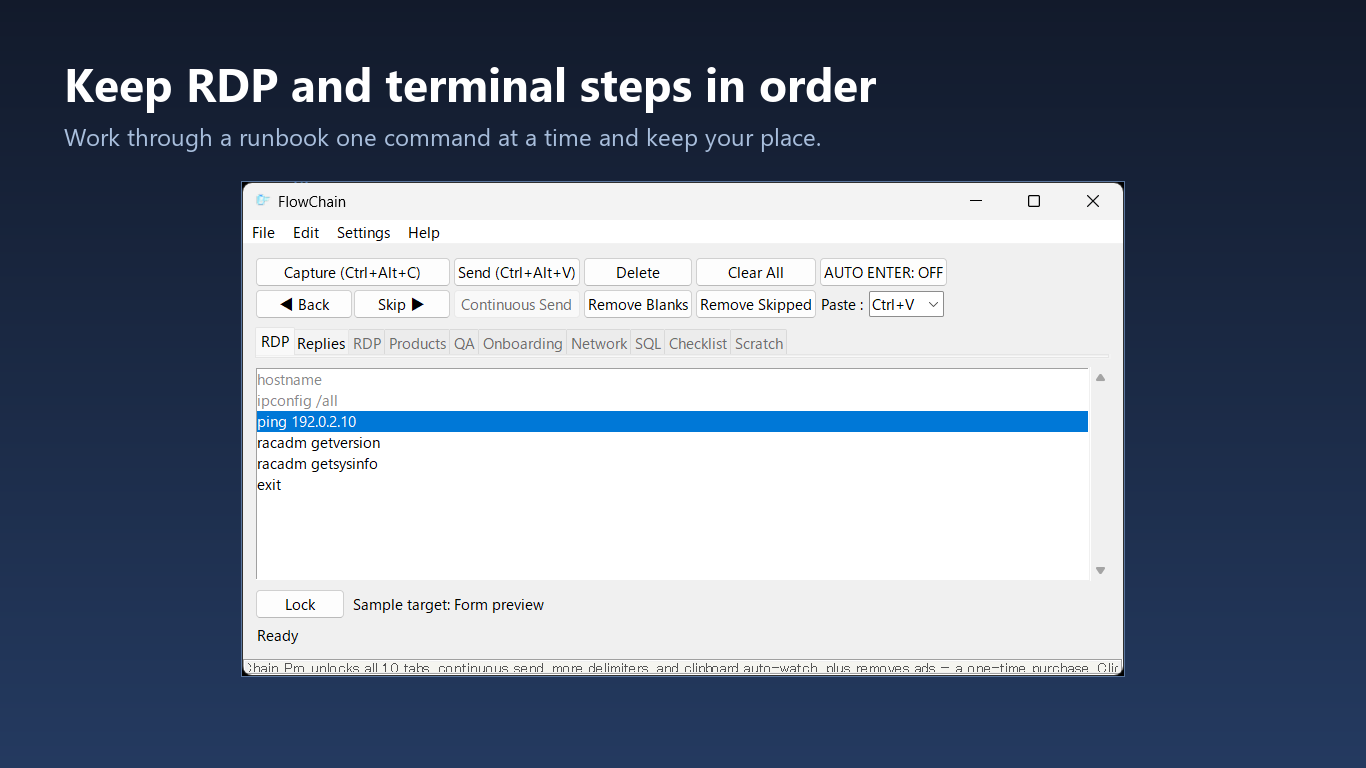
Check whether planned sendable commands appear in the log and whether their order differs. Skip-marked rows are excluded.
Sent state and command matches do not guarantee successful execution, complete output or correct configuration. Review errors, paging, disconnections and required output coverage separately.
Real logs may contain credentials or configuration details. Review them before sharing. Selected logs are compared locally on the PC.
It is best suited to procedures where a person reviews output between commands. Use it alongside your approved automation methods, depending on the task.
The free edition provides basic one-item sending and two tabs. Up to ten tabs, continuous send, extra delimiters and clipboard auto-watch are one-time Pro features.
The input workflow can be used with server, storage and network consoles that accept text. This is not a vendor certification; check the input method and target behavior first.
Server, storage and network workflow guide
Reference: Cisco IOS XE — IP Unicast Routing