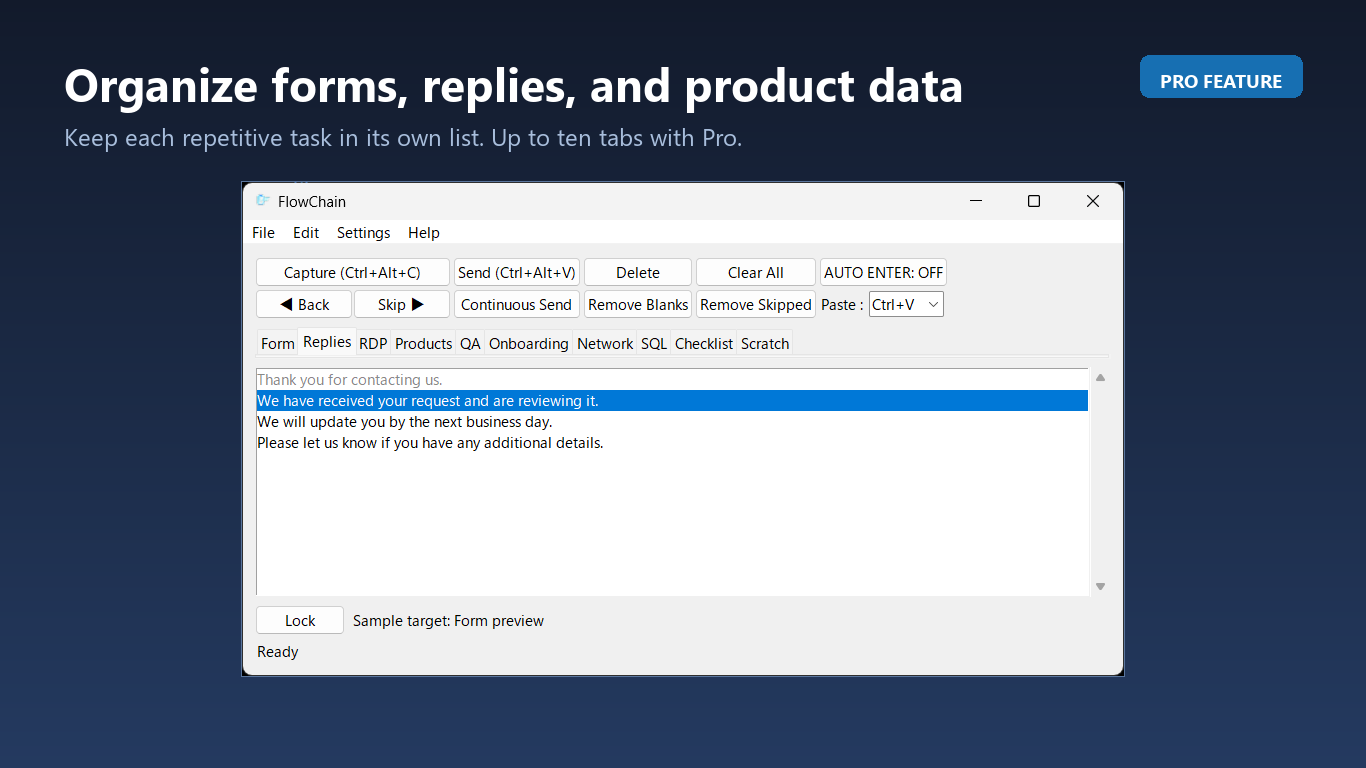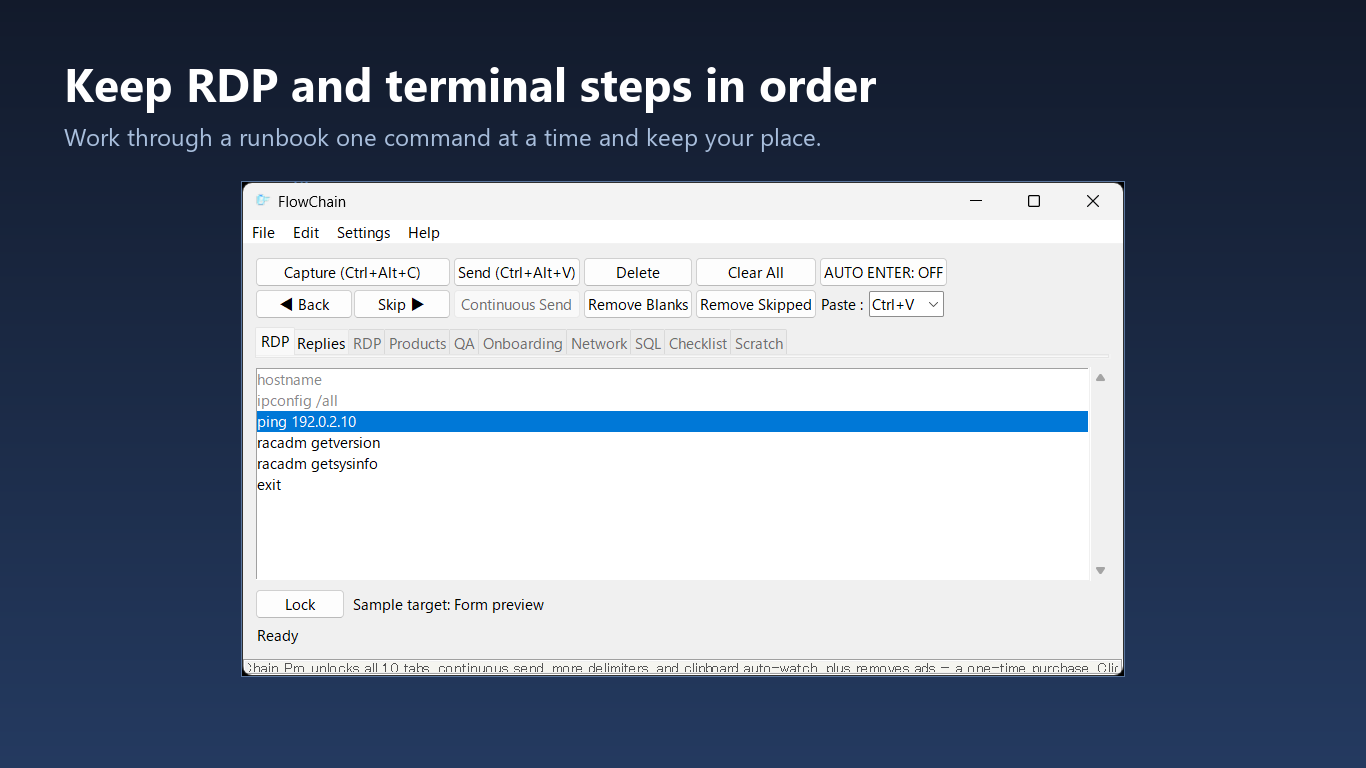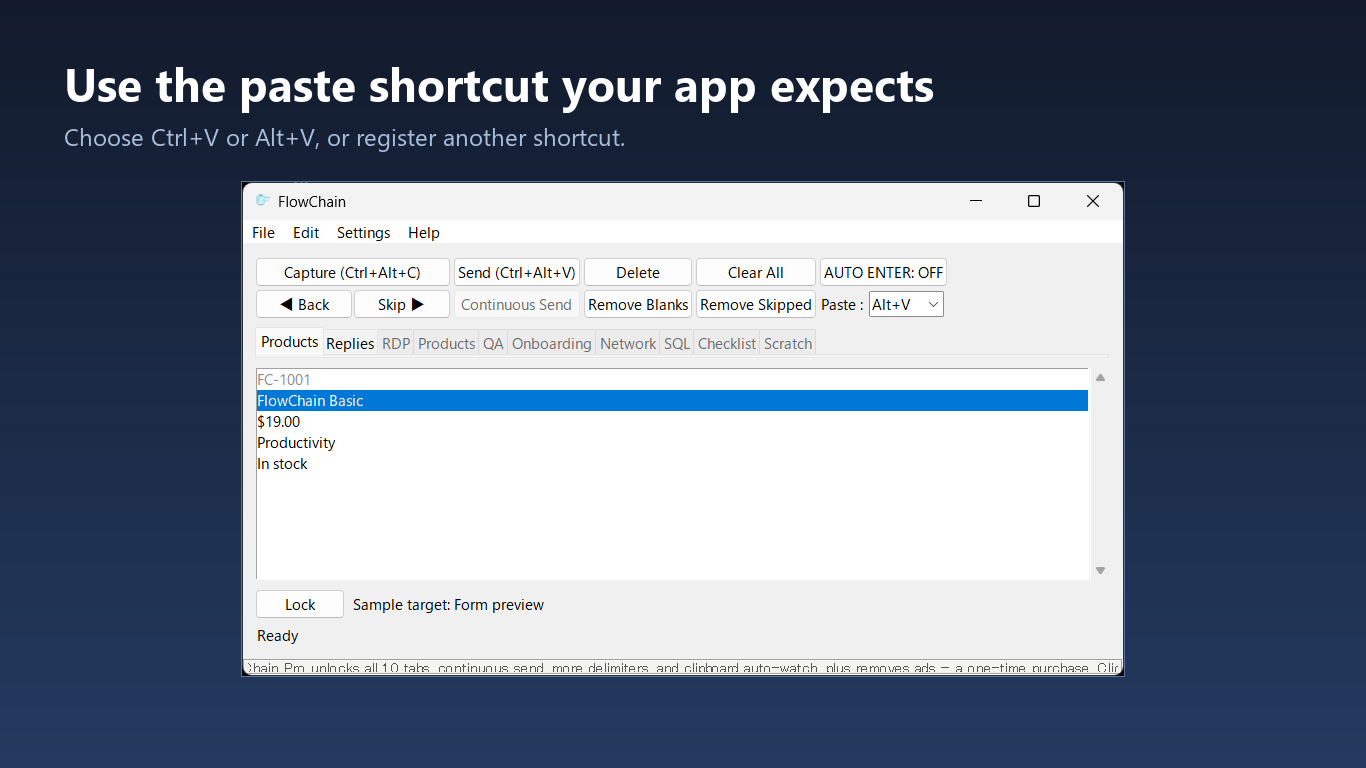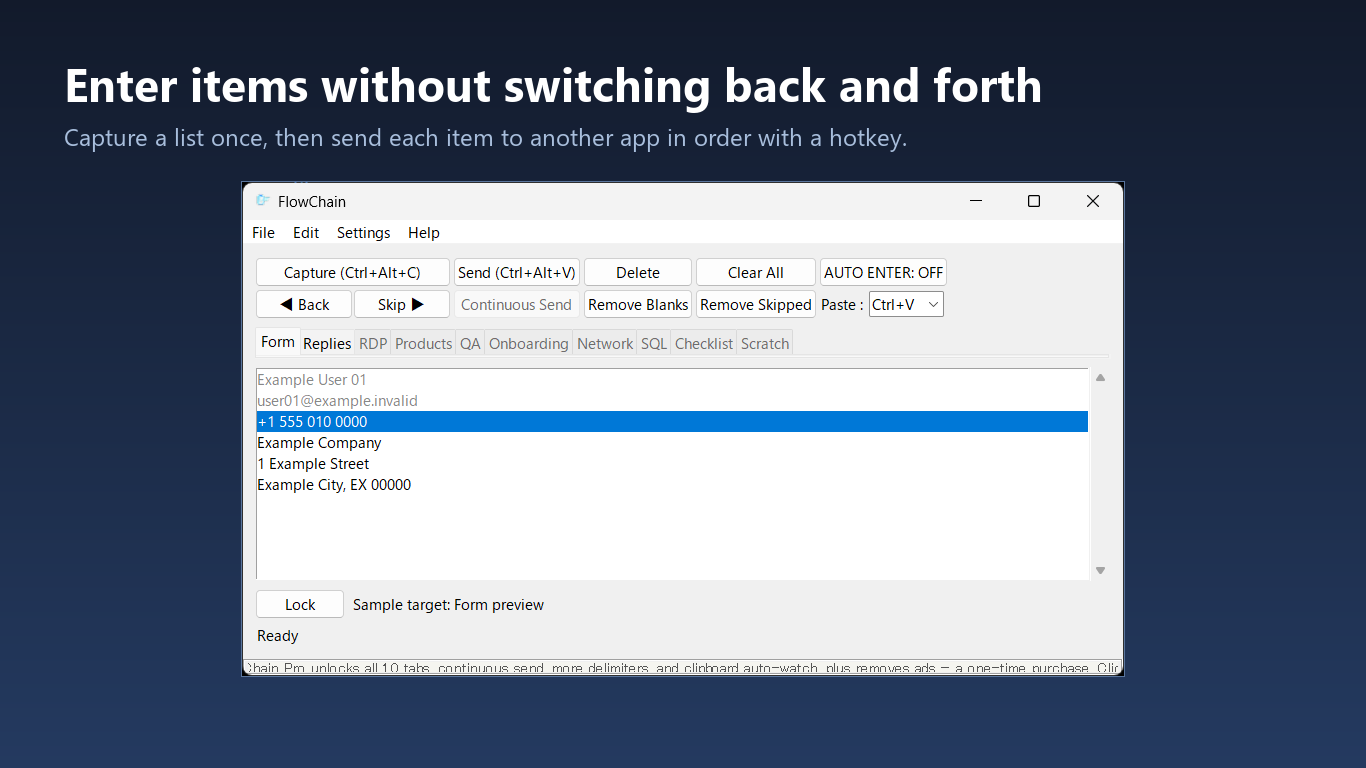
Capture once
Paste a block of text or table data into FlowChain and keep it organized as ordered rows.
Windows input assistant
Capture a list once, keep your destination window focused, and send each row in order with a global hotkey.
Why it exists
FlowChain is built for ordered input work: moving spreadsheet rows into forms, sending canned replies, registering product data, testing fields, or stepping through commands that should be reviewed before they are sent.
Workflow
Paste a block of text or table data into FlowChain and keep it organized as ordered rows.
Lock onto the destination window, then use a global hotkey to send the next item.
Sent rows are marked clearly, so an interruption does not force you to start over.
Demo
This short recording shows FlowChain and a target app side by side. The list stays in FlowChain while each selected row is sent to the destination one step at a time.
Features
The free edition covers the core line-by-line workflow. The Pro upgrade removes ads and unlocks higher limits and automation tools.
Send one item at a time with a hotkey
Clipboard paste or real keystroke typing
AUTO ENTER or Tab after each send
Tabs for separate tasks
Find, replace, snippets, and templates
Flexible delimiters for lists and tables
Token estimates and AI-response cleanup
Local files for input lists and settings


Use cases
Workflow guides
Apply an operator-controlled runbook workflow across multi-vendor data-center consoles.
Read the guideReview the prompt and output, then send the next network command without leaving the console.
Read the guideKeep the current host visible while stepping through approved commands one line at a time.
Read the guideTrack completed Windows administration steps while the intended console stays active.
Read the guideCheck the connection and previous result before advancing to the next statement or value.
Read the guidePace hardware-management commands through jump hosts and remote console sessions.
Read the guideMove table data into forms and business systems one field at a time.
Read the guideSend approved responses in order without repeatedly switching windows.
Read the guideUse clipboard paste or real keystrokes when ordinary paste is unreliable.
Read the guideStep through test values while keeping a visible record of completed rows.
Read the guideArticle
Read the dev.to article for the problem background, the workflow, and examples where sending one item at a time is safer than pasting a whole block.
Read the dev.to articleInstall
Install FlowChain from the Store, or use winget with the Microsoft Store source. If the Store is unavailable on your machine, the portable build runs from its own folder and needs no installer or admin rights.
winget install --id 9NDSWGBHLV2J --source msstorePrivacy
FlowChain stores input lists, sent-line state, hotkeys, delays, and window settings on your PC. It is designed as a local Windows utility for controlled input work.